
Reports
On this page
RestroPress › Reports shows how your restaurant is performing: sales, orders, risk, menu movement, customers, payments and taxes. Open a tab, choose a period and filters at the top, and the figures and charts update. The selected period is shown in the top-right corner and can be edited there.
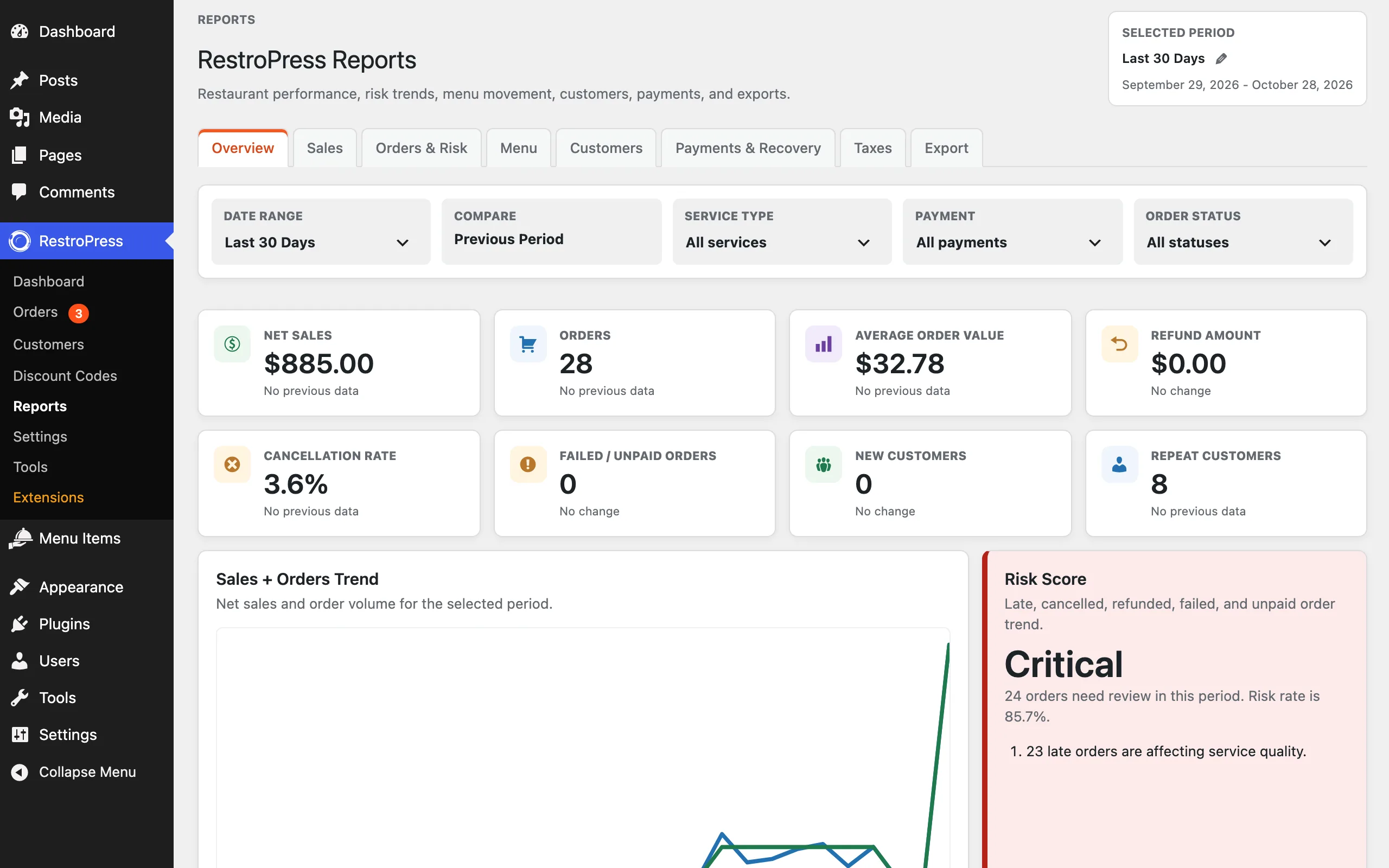
Filters#
- Date range: a preset such as Last 30 Days, or a custom range.
- Compare: compares the period with the previous one, so each figure shows the change.
- Service type: all services, or delivery or pickup only.
- Payment: all payments, or one payment method.
- Order status: all statuses, or one status.
Tabs#
| Tab | What it shows |
|---|---|
| Overview | Net sales, orders, average order value, refund amount, cancellation rate, failed and unpaid orders, new customers and repeat customers, with the sales and orders trend and a risk score. |
| Sales | Gross sales, refunds, net sales and orders; the net sales trend; net sales by service type and by payment method; an hour-of-day revenue heatmap; and a sales detail table. |
| Orders & Risk | Total, completed, cancelled, refunded, failed or unpaid and late orders, promise risk, orders by status over time, a risk trend, a weekday-by-hour rush heatmap, the service type trend and a risk table with late and cancellation percentages. |
| Menu | Items sold, menu net sales, low sellers, refunded or cancelled items, published and unavailable items, top items by quantity and by net sales, the best mover, items with no sales, category mix and add-ons sold. |
| Customers | Total, new and returning customers, repeat order rate, average spend per customer, trends for new versus returning customers and repeat rate, and a customer table ranked by paid spend with orders, total spend, last order and service preference. |
| Payments & Recovery | Paid, pending or unpaid, failed and refunded orders, refund amount and rate, payment method split, a refund and failure trend, and a recovery table of orders that need payment review, refund follow-up or customer recovery. |
| Taxes | Tax collected, taxable and non-taxable sales, net sales, taxable orders and a tax detail table. Refunded orders appear as tax adjustments. |
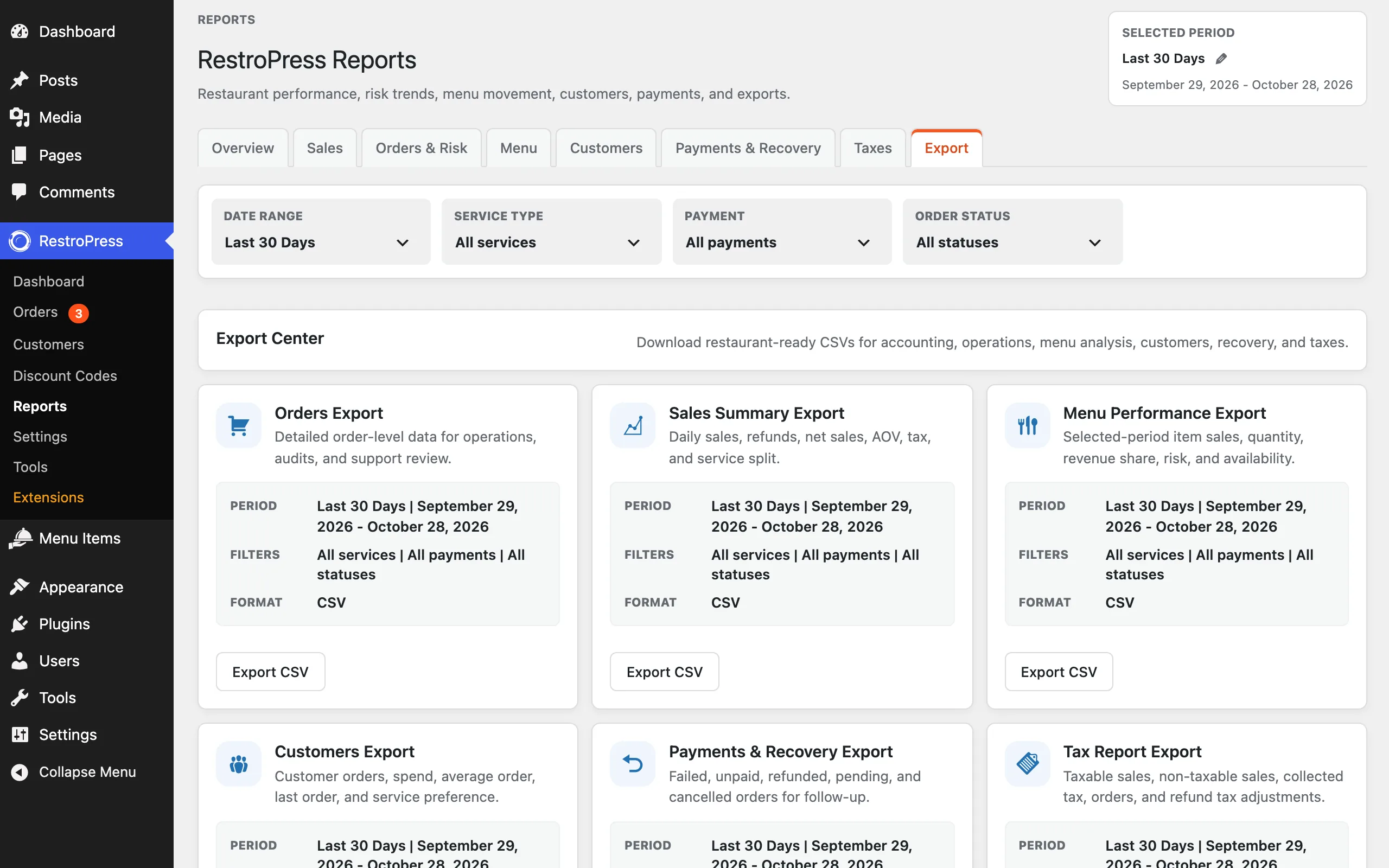
| Export | The Export Center: CSV downloads for accounting, operations, menu analysis, customers, recovery and taxes. |
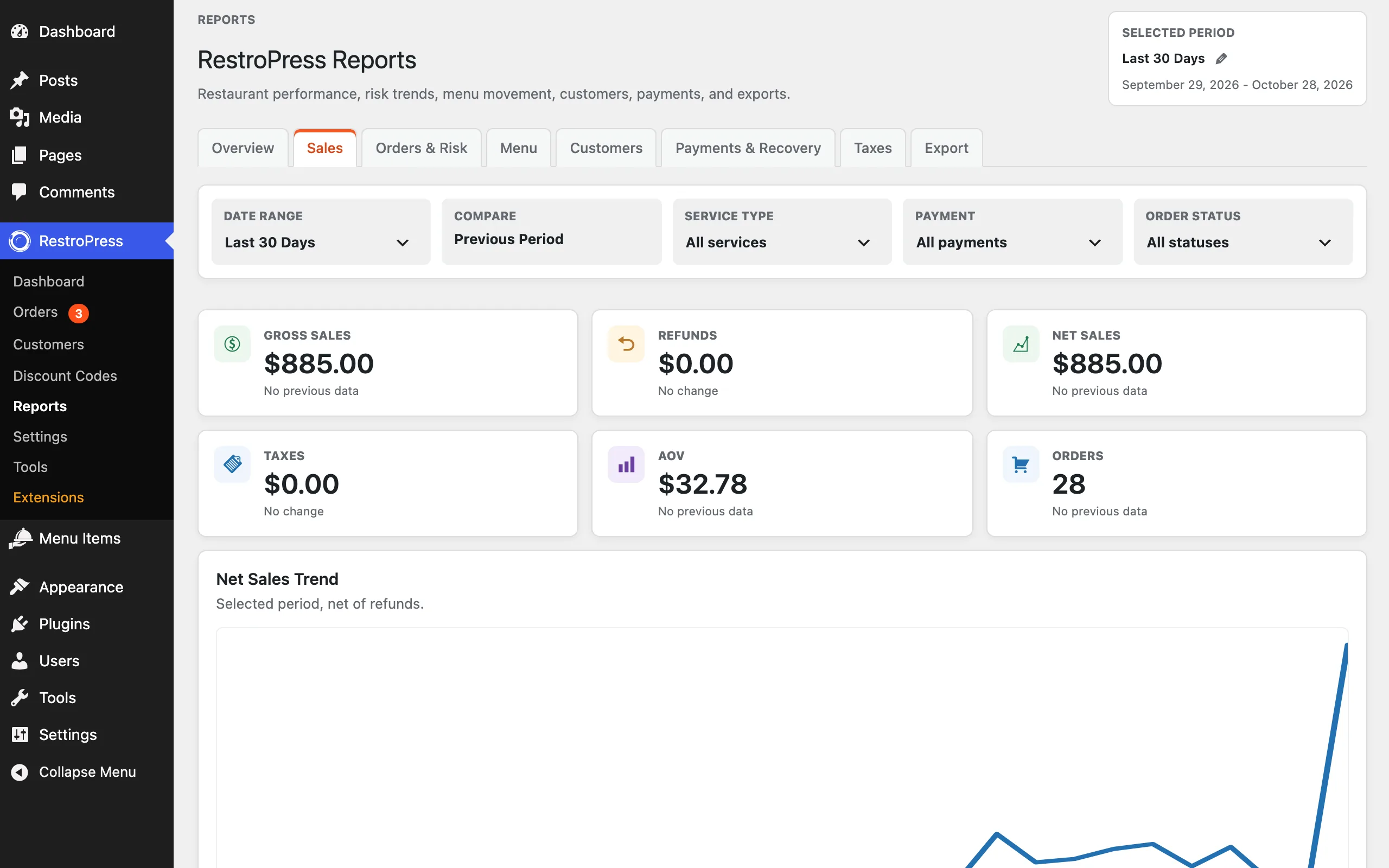
Exports#
The Export tab (the Export Center) has one download for each of these: Orders Export, Sales Summary Export, Menu Performance Export, Customers Export, Payments & Recovery Export and Tax Report Export. Pick the period and filters, then click Export CSV. Your menu has its own export under Menu Items › Export, and your settings under Settings › Misc.
If the numbers look wrong#
After an import, a migration or an update, totals can be out of date. Run Tools › Data Repair to recalculate them. See Tools.