
Instamojo Payment Gateway
RestroPress Instamojo Payment Gateway adds Instamojo as a checkout option. The customer is redirected to an Instamojo payment page, and on return the plugin checks the payment with Instamojo before setting the order status. It is a small first version of about 310 lines of code.
Requirements#
- RestroPress (the plugin only checks that the RestroPress class exists).
- An Instamojo account with an API Key and an Auth Token (the Instamojo API 1.1 headers
X-Api-KeyandX-Auth-Tokenare used).
Installation#
- Go to Plugins › Add New › Upload Plugin, upload the ZIP, install and activate.
- Go to RestroPress › Settings › Payment Gateways, enable Instamojo and save.
- Open the Instamojo section and enter your credentials.
There is no licence key field in this plugin.
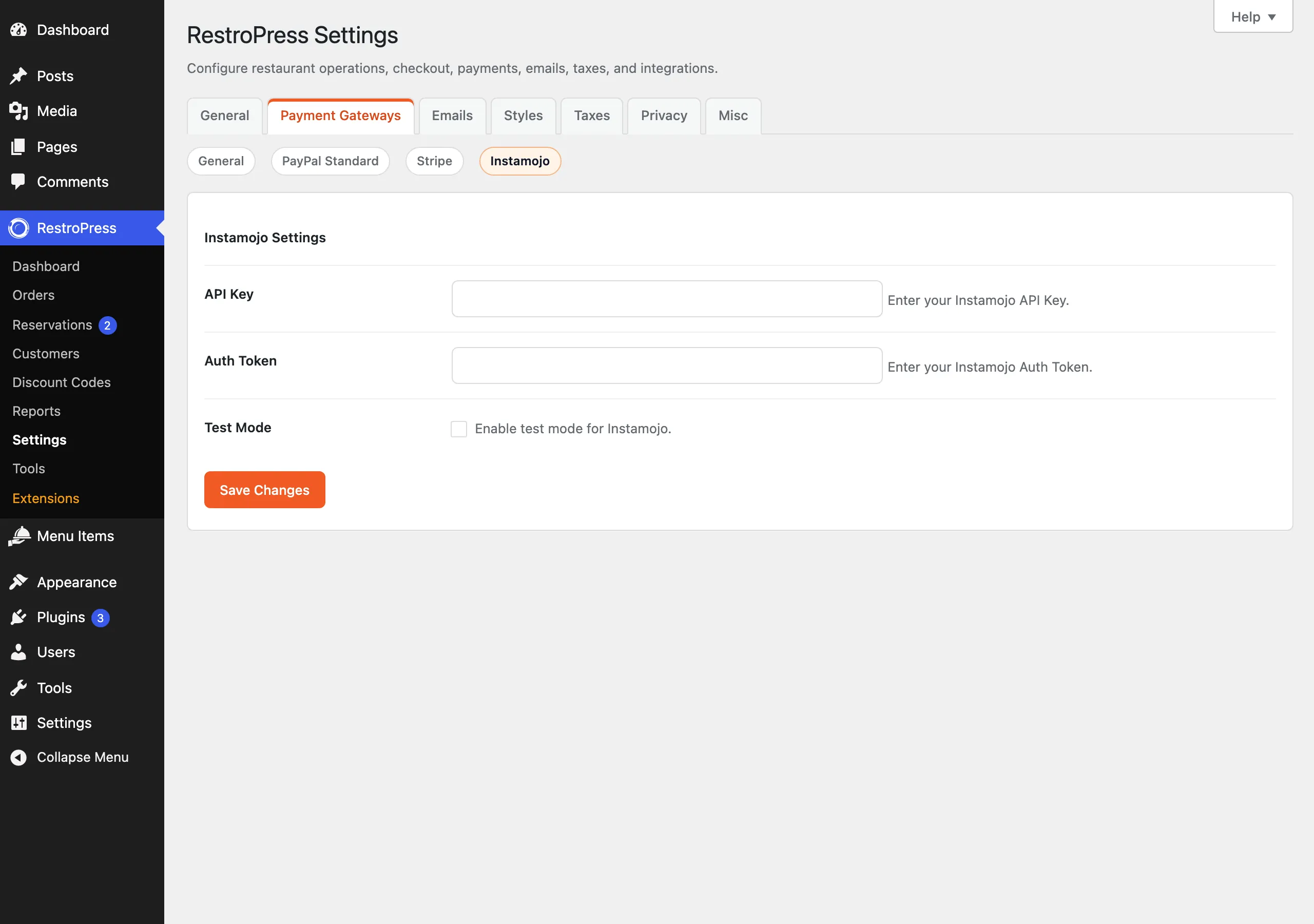
Settings#
Found under RestroPress › Settings › Payment Gateways › Instamojo.
| Setting | What it does | Default |
|---|---|---|
| API Key | Your Instamojo API Key. | Empty |
| Auth Token | Your Instamojo Auth Token. | Empty |
| Test Mode | Checkbox, "Enable test mode for Instamojo." When ticked, requests go to test.instamojo.com instead of www.instamojo.com. This is separate from the main RestroPress test mode. | Unchecked |
If either the API Key or the Auth Token is empty, checkout shows "Instamojo configuration is incomplete."
How it works#
- The customer picks Instamojo. No card form is shown.
- On placing the order, RestroPress creates a pending order and the plugin creates an Instamojo payment request (purpose "RestroPress Order") with the order total, the customer's name, email and phone, and with Instamojo's own email and SMS turned off.
- The customer is redirected to the Instamojo page. Afterwards Instamojo sends them to
?rpress-listener=instamojoon your site withpayment_idandpayment_request_id. - The plugin asks Instamojo for the payment's status. If it is
Credit, the order is set to complete, the cart is emptied and the customer goes to the success page. Any other status sets the order to failed and returns the customer to checkout with "Payment failed."
In the code, the order is looked up using the Instamojo payment_request_id as if it were the RestroPress order number. Instamojo request IDs are not RestroPress order numbers, so the order may not be found on return ("Payment not found"). Test this end to end before taking live orders. Refunds are not implemented and there are no webhooks.
Troubleshooting#
- "Payment gateway error." at checkout: Instamojo rejected the request or did not return a payment link. Check the keys and the Test Mode setting. With
WP_DEBUGon, details go to the PHP error log with the prefix[RPRESS Instamojo]. - "Payment verification failed" after paying: the status lookup failed or returned an unexpected response.
- "Payment not found": see the order lookup note above.
- Keys from the live account do not work in Test Mode and the reverse; use the matching set.
Changelog highlights#
The plugin ships no readme changelog. Plugin header version: 1.0.0.