
Customers
Everyone who orders is saved as a customer, whether they register an account or check out as a guest. RestroPress › Customers lists them with their order history, emails and notes.
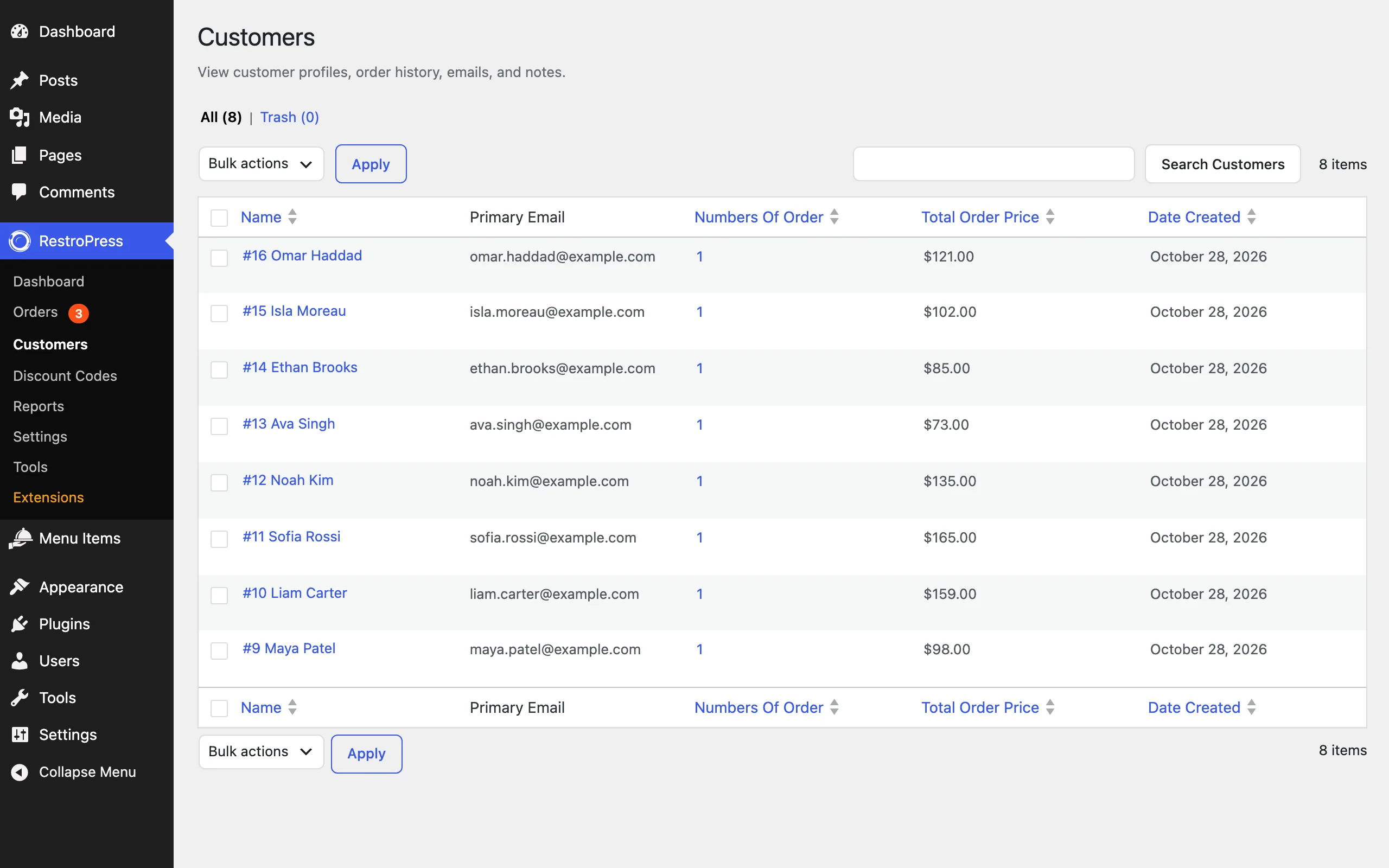
- List: name, primary email, number of orders, total order price and the date the customer was created. Click a heading to sort. All and Trash views are at the top.
- Search: use Search Customers to find a customer by name or email.
- Bulk actions: select customers and apply an action, such as moving them to the trash.
- Profile: click a customer's name to see their details, additional email addresses, orders and notes. From an order, View customer profile opens the same page.
Customer accounts on your site#
Customers who register can log in to see their past orders, reorder, and update their details. These screens use the [order_history], [rpress_profile_editor] and [customer_dashboard] shortcodes, or the matching blocks. See Shortcodes and blocks.
Blocking emails and domains#
To stop certain customers placing orders, add their email addresses, domains (starting with @) or top-level domains (starting with .) under RestroPress › Tools › Customer & Access, one per line. See Tools.
Privacy requests#
RestroPress works with the WordPress privacy tools. Under Tools › Export Personal Data and Erase Personal Data, a customer's RestroPress data is included in exports and can be anonymised when you erase their data.